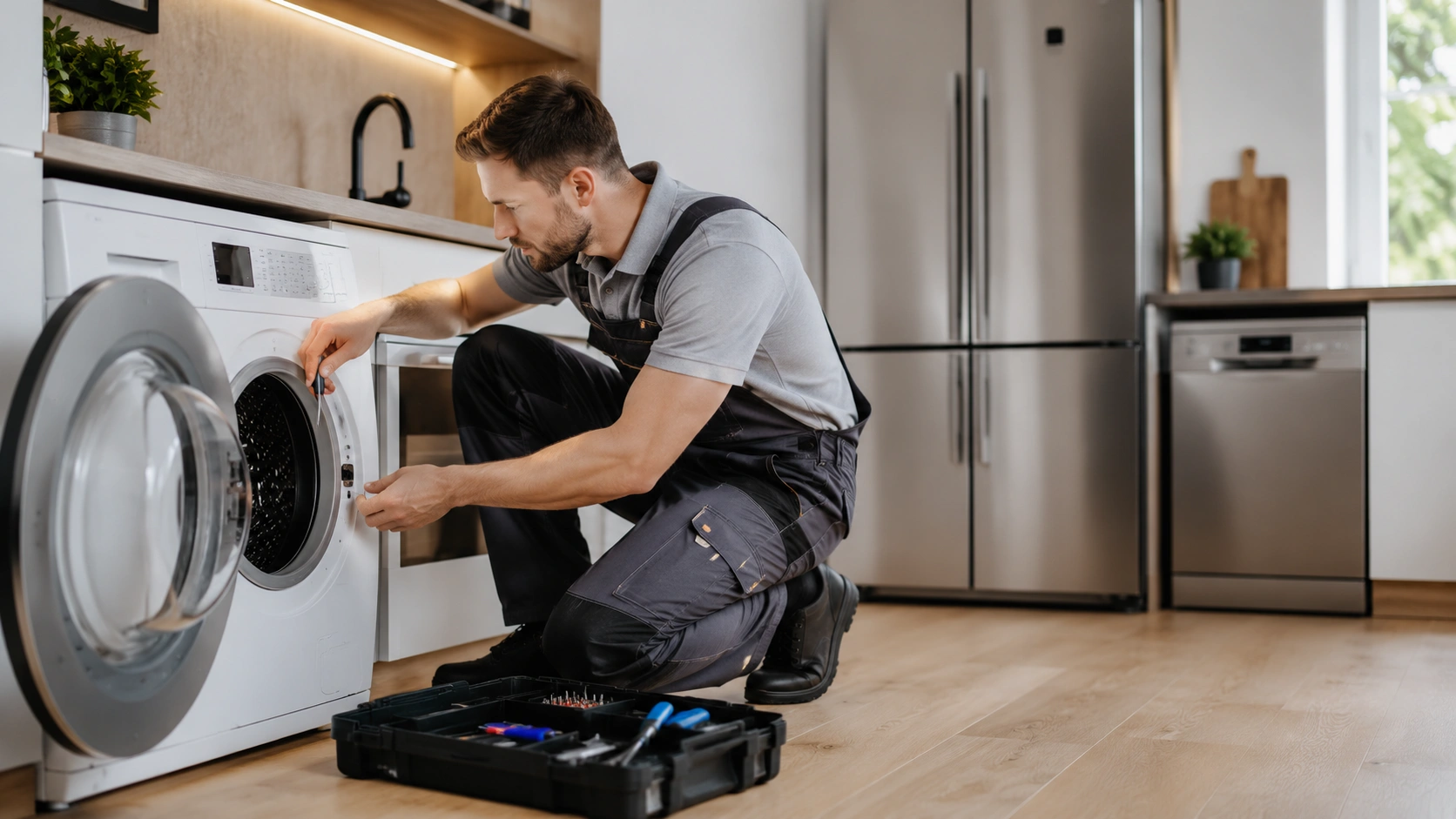
 4× more contacts
Appliance repair services · Poland
Google Shopping
We manage Google Shopping and Performance Max for online stores. Feed, Merchant Center, campaign structure and sales measurement work together, so your budget goes to the products with the most potential.

A Google Shopping agency manages your product feed, Merchant Center, campaign structure and sales measurement so that ad budget goes to the products most likely to sell profitably. We run Google Shopping and Performance Max for online stores and optimise bids, product titles, assortment segmentation and profitability.
We measure revenue, margin, ROAS and the potential of product groups, not only clicks. Shopping, the feed, Merchant Center, analytics and conversion optimisation are handled by one team as one system. Campaigns can run on their own or together with Performance Max and our own Comparison Shopping Service (CSS), Feedve.
We are a Google Premier Partner 2026, in the top 3% of Google Ads agencies in Poland, and we run campaigns on 25 export markets.
€3.55M
sales from Google Ads in 9 months (PLN 15.5 million), one home and living store
1,066%
ROAS for a clothing store, with sales up 280% and CPA down 40%
1,000%+
ROAS for toy vending machines, an impulse category, with sales up 229%
5.0
Clutch rating
Google Shopping shows your products across Google with a photo, name, price and seller before the user reaches your store. It is not a marketplace. Purchase, payment, delivery and customer service stay with you. It consists of a Merchant Center account, product data, campaigns in Google Ads and free product listings.
You do not choose keywords. Google analyses the product data, the query, the auction context and account history, which makes the feed the most important lever you have.
Merchant Center is the data hub for your store and products. Its data must match what shoppers see on your product pages.
Domain verification, business details, shipping and returns, a data source and a routine for acting on diagnostics, with monitoring of rejected products and price or availability mismatches.
Up to date, complete, unambiguous, written to sell and easy to segment by margin, season and priority.
Product ID, title, description, price, availability, brand, GTIN or MPN, category, variants, and custom labels for margin, season and priority.
Titles should reflect how customers search yet stay readable. Electronics, clothing and home furnishings need different structures.
Break-even ROAS equals 1 divided by your margin. At a 50% margin it is 2.0, and at 20% it is 5.0. The ROAS shown in Google Ads ignores margin, returns, delivery costs and agency fees, and management costs raise the ROAS you need. The figures below are published benchmarks, a reference point rather than a target.
| Category | Typical margin | Break-even ROAS | Average category ROAS |
|---|---|---|---|
| Clothing and fashion | 60 to 70% | 1.43 to 1.67 | 6.1 |
| Health and beauty | 60 to 75% | 1.33 to 1.67 | 6.1 |
| Home and garden | 40 to 55% | 1.82 to 2.5 | 4.5 |
| Electronics | 20 to 30% | 3.33 to 5.0 | 3.8 |
The data is mixed. Triple Whale, across 18,000 brands, reports an average ROAS of 5.17 for standard Shopping against 2.57 for Performance Max, while Koongo reports Performance Max ROAS 15 to 20% higher in most categories. The gap comes from attribution: standard Shopping works at the bottom of the funnel, Performance Max also buys the top of it.
Our rule of thumb: a young or low-volume account starts with standard Shopping for clean attribution and bid control. A mature account, with dozens of conversions a month, adds Performance Max to scale. If both run, we exclude brand queries from Performance Max and compare total revenue and margin after costs, not ROAS side by side.
Audit of the store, data and profitability. We review sales goals, margin and seasonality, the account, Merchant Center, the feed, GA4 and GTM, and how the assortment is split.
Campaign build and feed optimisation. We set up Merchant Center, optimise titles and attributes, segment products, build Shopping or Performance Max campaigns, add exclusions, audiences and remarketing, and test before going live.
ROAS optimisation and scaling. We manage budgets, bids and target ROAS, exclude products without potential, grow bestsellers, test feed and creative, extend to new products and markets, and report revenue, costs and profitability.
Titles built from real queries, complete identifiers and variants, image tests, labels for margin, season and stock, and fixes for price and availability mismatches.
Separate products by profitability, cut spend on products that get clicks but do not sell, and give bestsellers and high-margin items more share.
If people click but do not buy, the cause may be price, delivery cost or time, missing reviews, a weak product page or a complicated checkout.
A CSS (Comparison Shopping Service) is a price comparison service through which product ads can be run, either Google's own or an external partner's. Switching CSS does not require moving campaigns or losing your Google Ads account history.
We run our own Comparison Shopping Service (CSS), Feedve. Moving to a CSS partner has trade-offs: a partner sub-account does not get free product listings, and the partner's fees can eat part of the saving, at small budgets possibly all of it. We explain the mechanics on our Shopping ads with a CSS page, and you can visit feedve.com.
Product campaigns are usually the simplest way into a new market, because the message is built on the product. They need a separate feed with translated titles and attributes, local currency, correct delivery and returns terms and compliance with local rules. Copying a feed and changing the geotargeting usually ends in disapprovals.
One shared campaign for several countries hides market differences, so we separate budgets and reporting. Before launch we check language, currency and price competitiveness, delivery costs and times, returns, Merchant Center requirements and separate ROAS targets.
Merchant Center data also feeds product comparisons in AI assistants, which build on Google's organic Shopping results. Title, attributes, image and price accuracy decide whether you appear, and an AI answer has no second page. A tidy feed is infrastructure, not a trick. See our AI Search optimisation service.
It is a good starting point when products are already searched for on Google, your offer is competitive and your margin pays for acquiring a customer. It is not when:
Google sets no minimum daily budget, but the amount must buy enough clicks to judge results at a conversion rate of around 2%. Published 2026 benchmarks put the average Shopping cost per click at about €0.36 in Europe and the conversion rate at 1.91%, which means an order costs several dozen clicks. A cheap click is not a cheap sale.
The full cost is the media budget, management and the work on the feed and data. We plan from margin and break-even point, not from a budget figure. See Google Ads pricing for how fees are set.
Trusted by leading brands


 4× more contacts
Appliance repair services · Poland
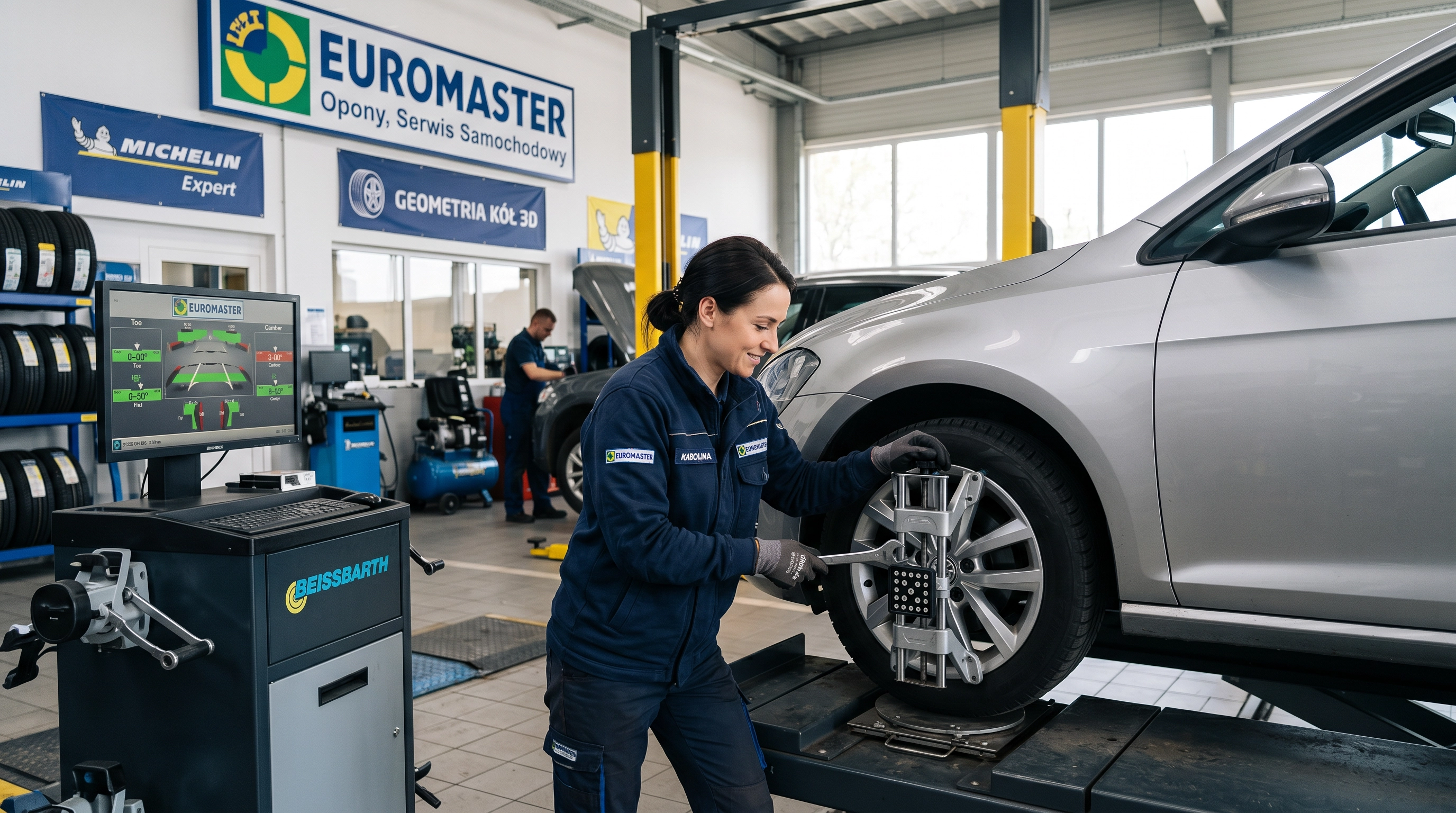 211 unique leads
Automotive services franchise
 4,008% ROAS
Hospitality · Poland
Tell us about your catalogue, margins and current setup. We will show what to fix in the feed and the account before you scale.
Talk about Google ShoppingPrivacy preferences
We use cookies and similar technologies to operate the site, measure performance and show relevant ads. Accept all, reject all or choose categories. You can change your choice at any time via “Cookie settings” at the bottom of every page. See our privacy policy.