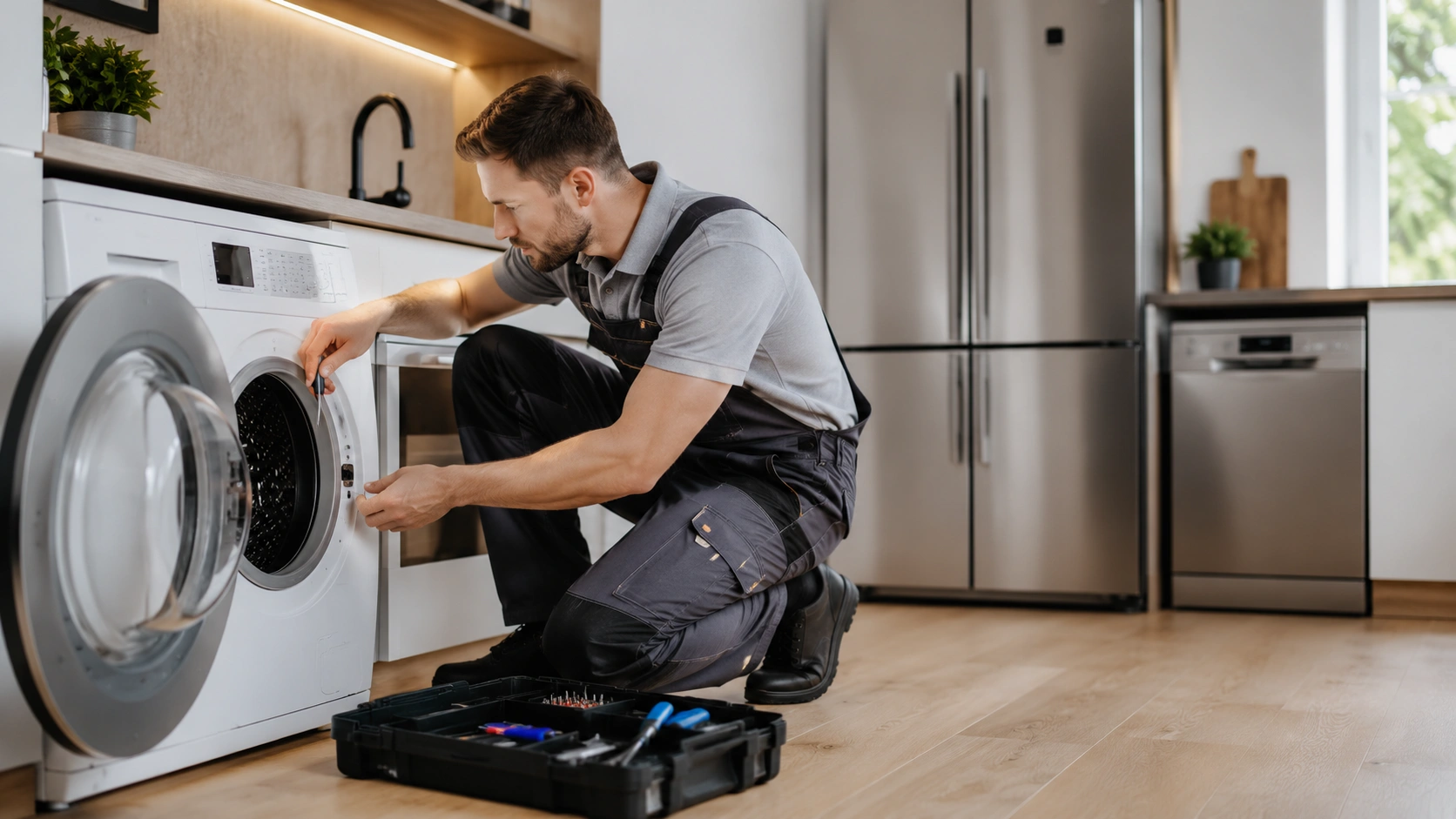
 4× more contacts
Appliance repair services · Poland
Google Ads
Google Maps ads put your business in front of people searching for what you offer nearby, and turn that intent into phone calls, route requests, visits and local leads. We connect the campaign to your Business Profile, your landing pages and call and visit measurement.

Google Maps ads promote a local business when people search for a product, service or place nearby. They can lead to phone calls, route requests, visits to your location or visits to your website. They are part of Google Ads rather than a separate channel, and visibility depends on campaign setup, location data and your Business Profile.
Their main value is combining purchase intent with physical proximity, so a person can call, visit or travel the same day. Google weighs the query, the user's location, distance, the relevance of your offer and your campaign settings. Ads can appear in Maps search results, on the map while people browse, in Search results for local queries and in business and route information. We judge campaigns by the quality of the people reached and the actions that follow, not by where the ad appeared.
Double Digital is a Google Premier Partner 2026 (top 3% of Google Ads agencies in Poland). Read more about our Google Ads work and our local SEO services.
The goal should match how your business actually gets customers. Restaurants may prioritise routes and bookings, emergency services calls, and showrooms visits and site traffic.
The Business Profile is the core source of location information, so it should be complete, verified and accurate: main and secondary categories, address or service area, hours (including special hours), phone, website, description, services, photos and reviews with owner replies. Ads add visibility, but they cannot fix wrong hours, a wrong address or weak trust signals.
People compare ratings, the number and recency of reviews, how owners respond, real photos of the premises, team and products, and whether your data is consistent between profile and website. Gather reviews naturally and within platform rules. Ads do not replace ongoing work on customer experience.
Seven areas decide whether local ads work:
Address, category, phone, website, hours and per-location data.
So the account can use it.
Split by serviceability, competition and customer value.
Calls, routes, site visits, forms and other meaningful actions.
Show the service, the location, availability and the next step.
Look at location, quality and sales impact, not just volume.
Target your real service area, not administrative borders. Options include a radius around a point, a city or several towns, districts and postcodes, separate campaigns per location, or areas segmented by customer value. Plan around real coverage, travel time and cost, competition density, profitability per service and capacity per location. In Search, local intent signals such as district names, near me and open now should match your keywords, messages and location pages.
Ad copy should quickly confirm that you are in the right place and offer exactly what the person needs: service type, city or district, a key advantage, availability or hours, a phone number or clear call to action, and travel, parking or emergency information where relevant. Generic claims such as highest quality are not enough.
Send people to a page that matches the ad and the location, not the homepage: a location-specific headline, a phone number visible on mobile, address, map and directions, hours, a form or booking option, reviews and local work examples, and a list of the districts and towns you serve. It must load fast on smartphones, because many local users act on the move.
A restaurant and a dental practice can run nearly identical campaigns, but a restaurant with delivery needs a different setup. The costliest mistake is widening the area for a service that travels: it usually adds calls, but also travel and fulfilment costs while job value stays the same.
| Model | Targeting | Main metric | Typical mistake |
|---|---|---|---|
| Single location | Real drive-in area, not administrative borders | Cost per call and route | A radius that is too wide just in case |
| Chain of locations | A separate area per location, with overlap controlled | Cost per contact by location | Judging the whole chain by one blended cost |
| Services with travel | Coverage set by drive time, not distance | Cost per job against job value | Widening the area to get more calls |
For service businesses phone calls are among the most important actions, but a click on a number is not an answered call or a sale. We analyse call volume from ads and from your site, time and day, call duration, location and campaign source, missed calls and calls that end in a booking or sale, and enrich the data with reception, call centre or CRM outcomes, so optimisation targets call quality and not just call count.
Route requests are a strong interest signal, but not every navigation ends in a visit, so interpret them by sector, time of day, availability and distance. In-location visit reporting is available only under certain conditions and data volumes, so it should not be the sole basis for judging a campaign. A fuller picture combines routes, calls, visits to location pages, bookings and forms, in-store sales data and changes in customer numbers while ads run.
In one hyper-local campaign for an automotive company we recorded more than 1,100 phone calls and more than 2,400 route requests. The client, period and budget are not disclosed here, but it shows that calls and routes can be measured much like online sales.
Maps ads are charged per click, and the Business Profile itself is free. These orientation values depend on competition, so validate them against your market. The budget should allow you to collect data across days and hours, compare key areas and test messages and landing pages.
| Setup | Orientation budget | Key metric |
|---|---|---|
| Single location, small town | from about €6 to €9 per day (PLN 25 to 40) | Cost per call and share of calls ending in bookings |
| Single location, large city | from about €11 to €23 per day (PLN 50 to 100) | Cost per contact by district and time of day |
| Chain of locations | Budget set per location, not as one pool | Cost per contact by location |
| Services with travel | Depends on service coverage | Cost per job against job value and travel time |
Search and Maps often capture the same local intent: someone searches for a service, sees location data, then calls or asks for a route. Search gives you more control over keywords and messages, while location assets add address, distance and direct actions. Performance Max can use location data and support store visit goals, but it runs across more of Google than Maps alone. Both can run in parallel with defined roles and shared measurement. Automation will not find your most profitable location by itself: it needs accurate values, sales data and proper location segmentation.
Ad hours should match when you can answer calls, take bookings or serve customers. Emergency services may run around the clock, while a practice with set hours needs a different approach. Raising bids alone will not fix wrong addresses, weak reviews or unanswered calls, so optimisation covers the campaign, the profile, the locations, the landing pages and the way contacts are handled. See also Search Ads management and Performance Max.
They fit when you have a verified, complete profile, customers search locally, you can define a real service area, calls and forms are handled consistently, contacts and sales can be measured, your offer is competitive and the budget covers data collection across your key areas. They will not fix a closed location, an outdated profile, a lack of available slots or weak service.
Trusted by leading brands


 4× more contacts
Appliance repair services · Poland
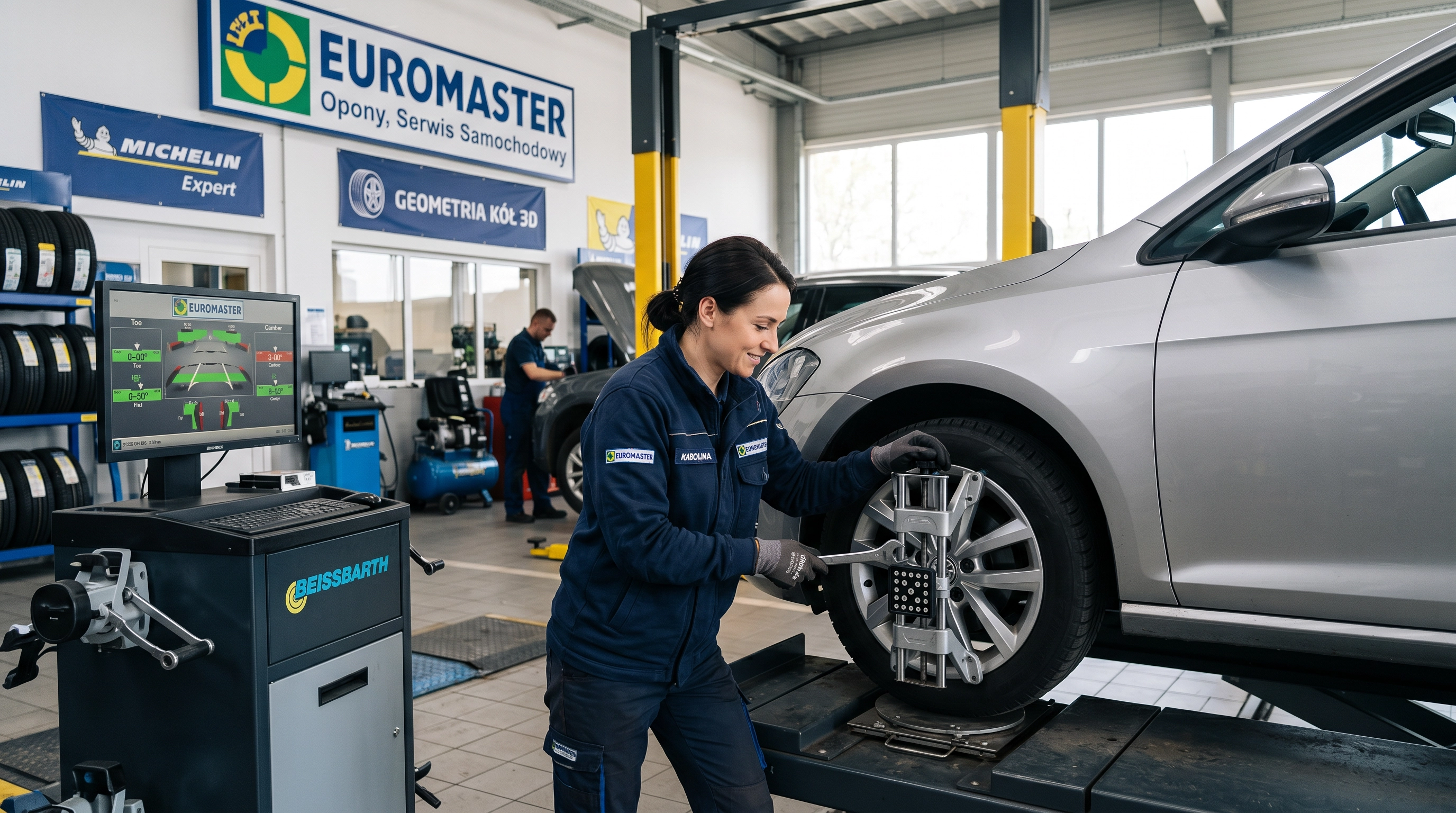 211 unique leads
Automotive services franchise
 4,008% ROAS
Hospitality · Poland
Tell us where your customers are and how they reach you. We will review your Business Profile, service area and measurement, and show you what to fix before you spend more.
Talk to usPrivacy preferences
We use cookies and similar technologies to operate the site, measure performance and show relevant ads. Accept all, reject all or choose categories. You can change your choice at any time via “Cookie settings” at the bottom of every page. See our privacy policy.